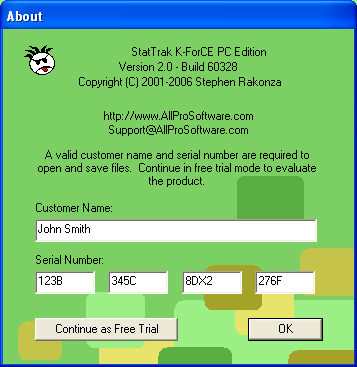
This is where you enter your name and serial number that you'll receive if you purchase Pointstreak K-ForCE. Entering the serial number allows you to save games. To evaluate the free trial version, click Continue as Free Trial.
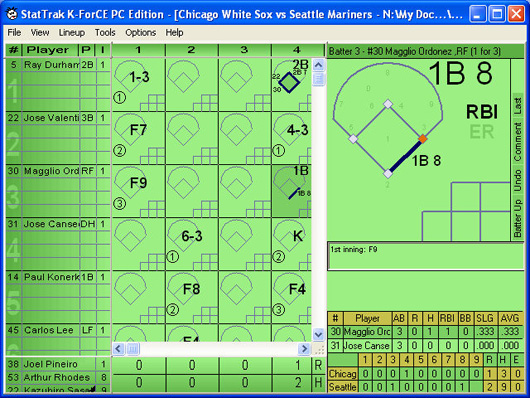
The main window is where the batting order is entered. Don't worry, you won't have to type in all that information every time you score a game. Once the team information is entered once, you can select from a list. This is also where you can see the scoreboard or make pitching substitutions.
At Bat Window
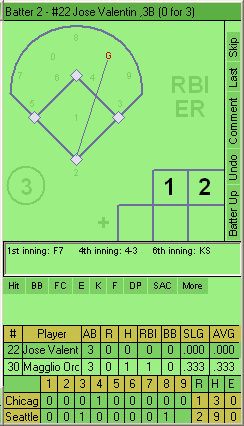
This is the At Bat window. This is where all of the scoring is done. The horizontal menu is used to record Hits, Walks, and Strike Outs. The vertical menu is used to Undo scoring mistakes, jump to the next Batter Up, or to mark a batter as skipped or last batter.
Lineup
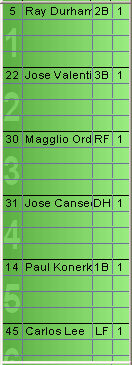
There's room for 16 players in the line-up and 8 substitutions per person.
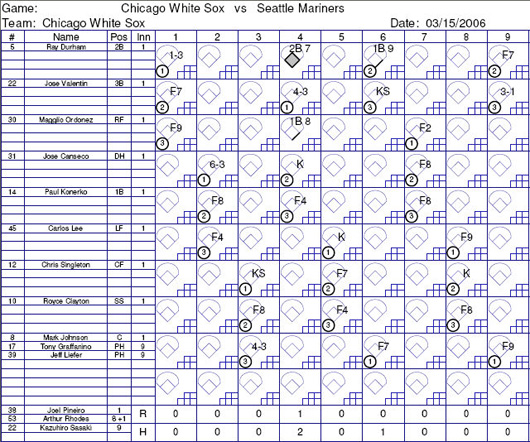
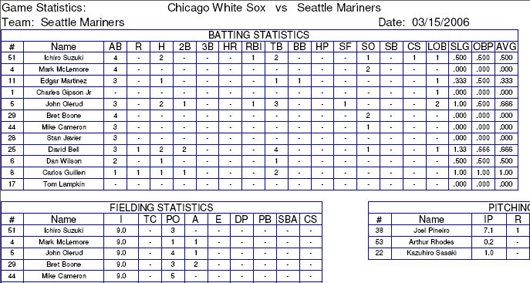
View and print out game stats. If you're interested in more robust reporting capabilities, see our StatTrak for Baseball software. Import games from K-ForCE into StatTrak for Baseball & Softball and you'll have lots of reporting options.